Resources
Presets, brushes, contracts, business templates and RAW files. Downloads are for members.
Lightroom presets & brushes
31 filesPreset collections from the yearly Lightroom steals, plus the makeup brushes.

Cinematic Photo Design (2017)
ZIPMembers
Everyday Photo Designs (2017)
ZIPMembers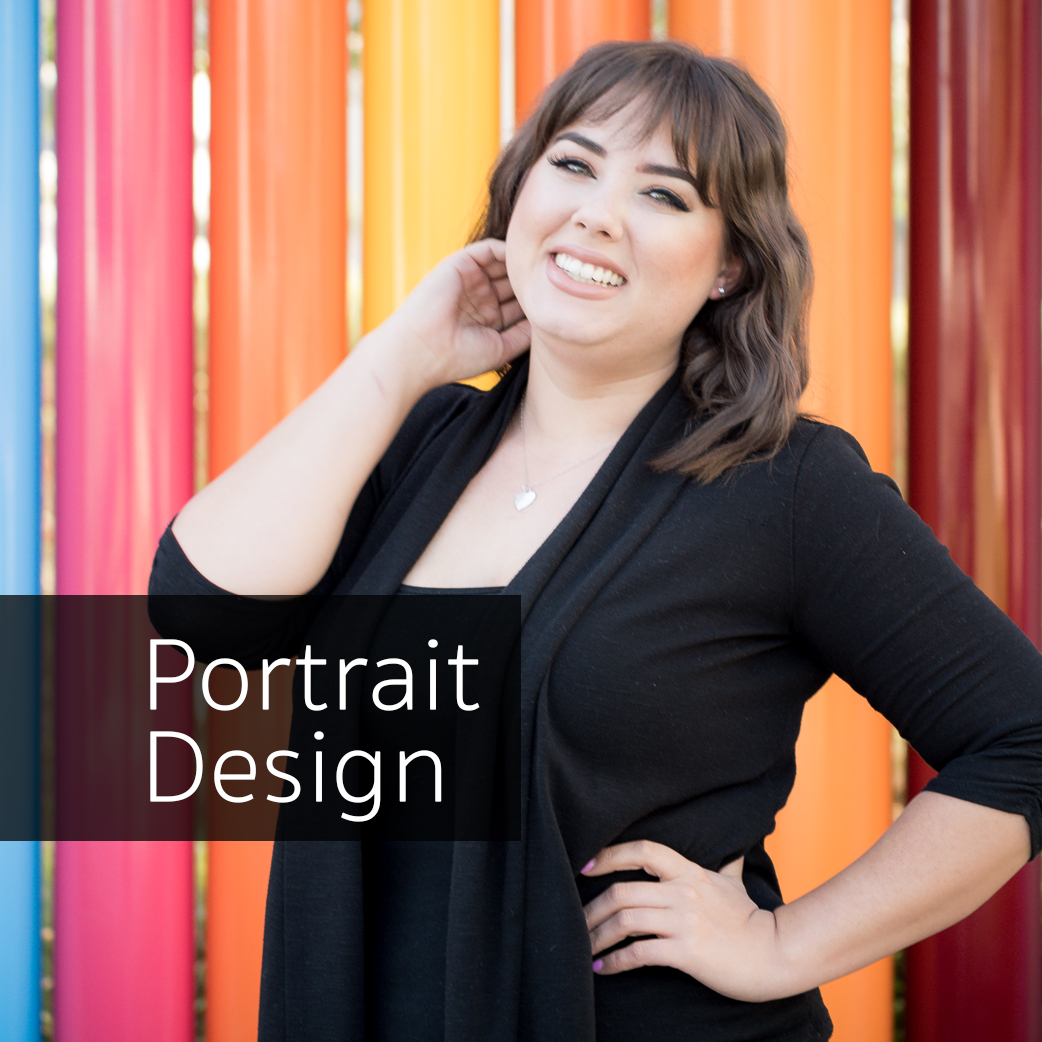
Portrait Design (2017)
ZIPMembers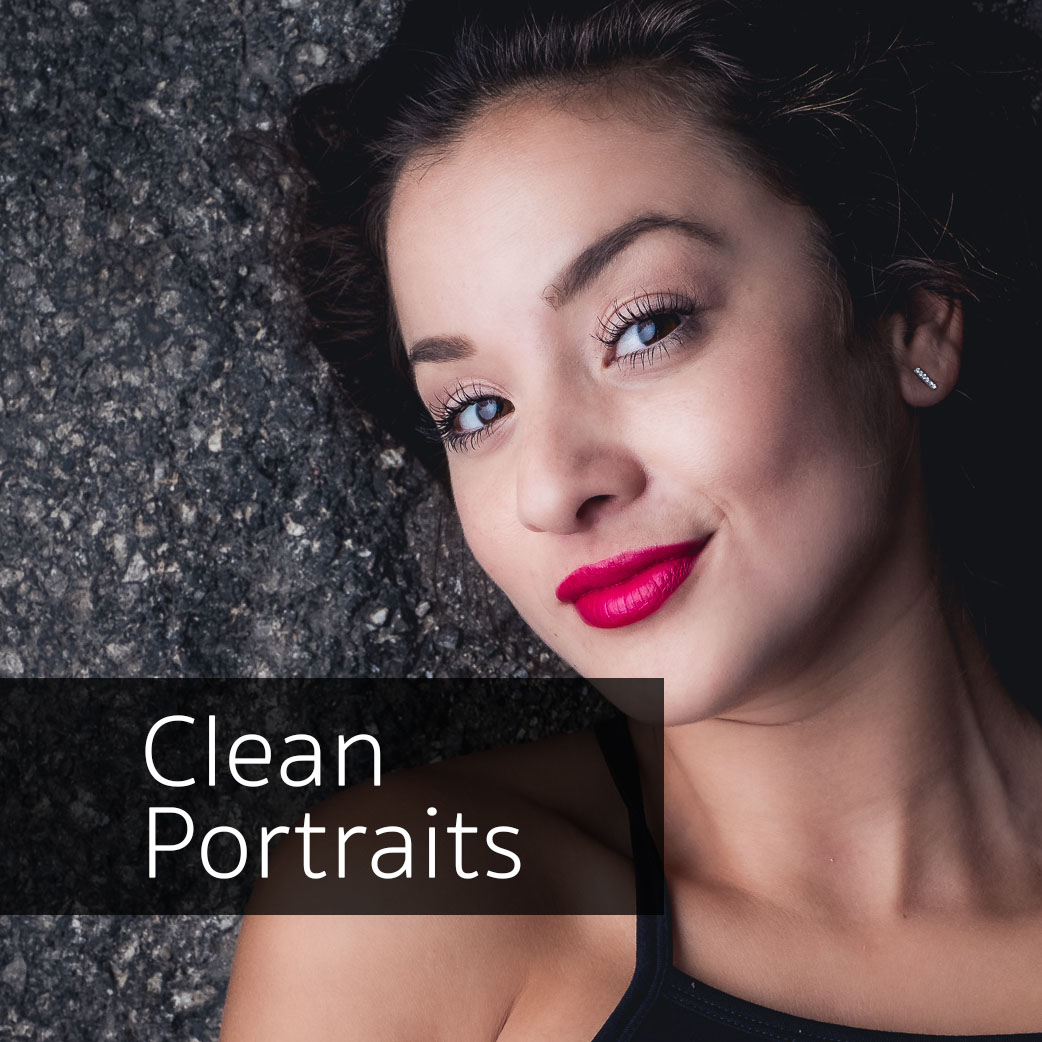
Clean Portrait Design (2017)
ZIPMembers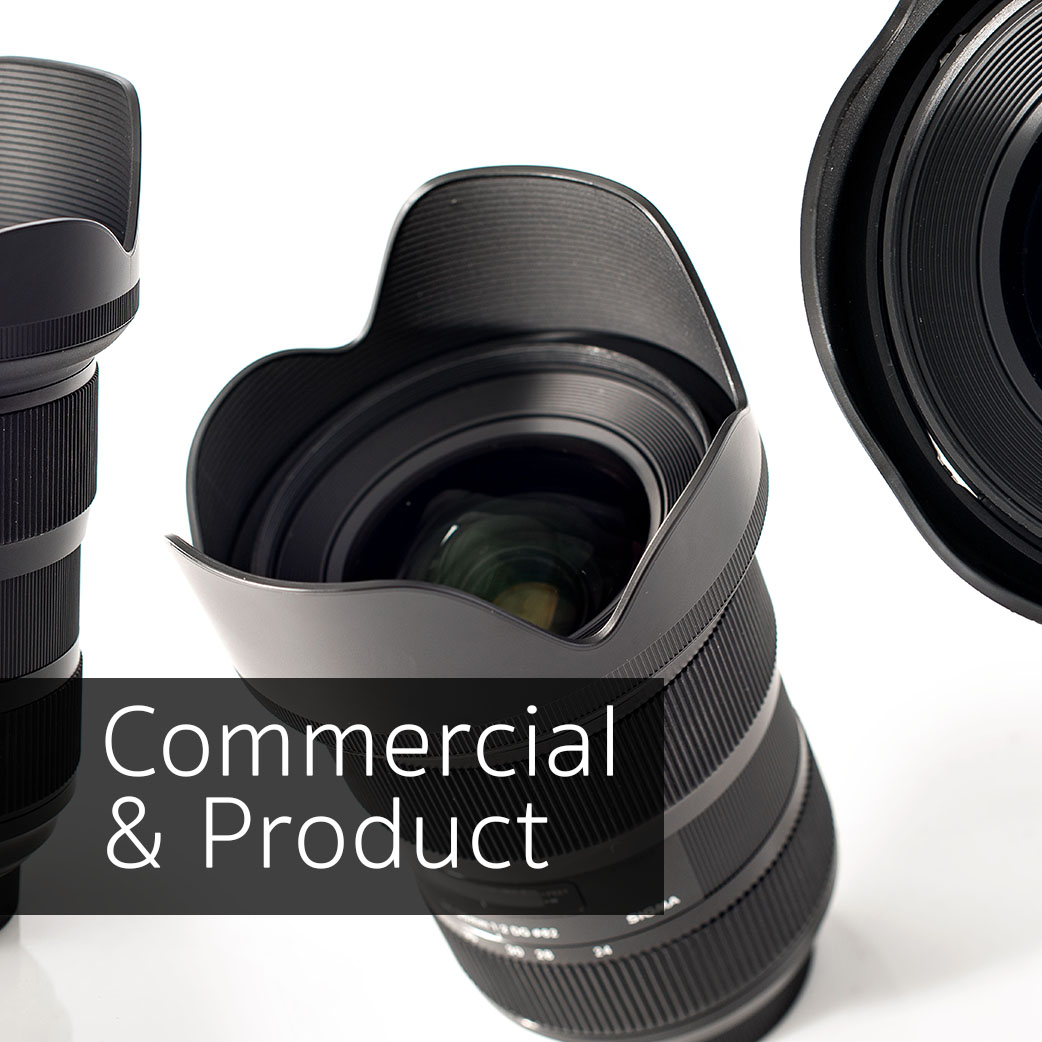
Commercial Architecture & Product (2017)
ZIPMembers
Sports (2017)
ZIPMembers
Landscape Photography Trends (2017)
ZIPMembers
Import presets (2017)
ZIPMembers
Export presets (2017)
ZIPMembers
Special Situations (2016)
ZIPMembers
Black & White Trends (2016)
ZIPMembers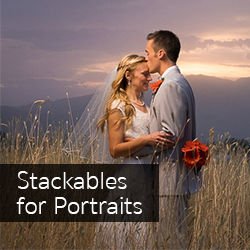
Stackables for Portraits (2016)
ZIPMembers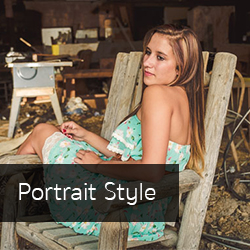
Portrait Style (2016)
ZIPMembers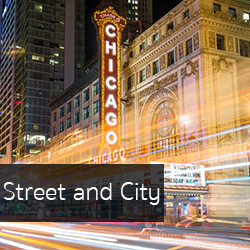
Street & City (2016)
ZIPMembers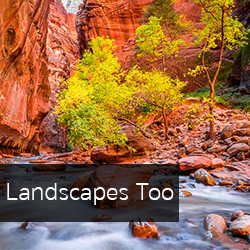
Landscapes Too (2015)
ZIPMembers
Black and Silver (2015)
ZIPMembers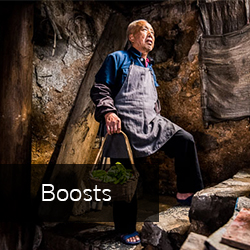
Boosts (2015)
ZIPMembers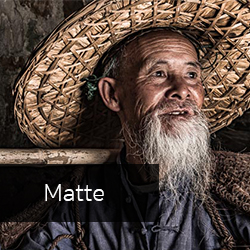
Matte (2015)
ZIPMembers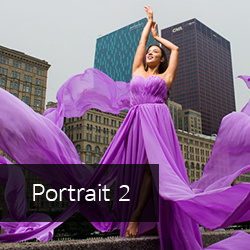
Portraits 2 (2015)
ZIPMembers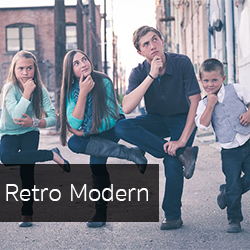
Retro Modern
ZIPMembers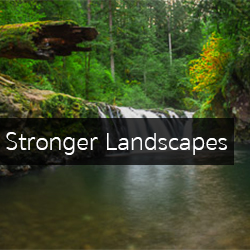
Stronger Landscapes (2014)
ZIPMembers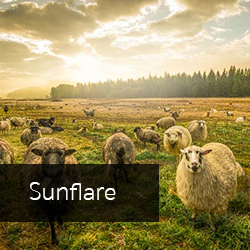
Sunflare (2014)
ZIPMembers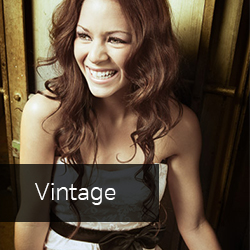
Vintage (2014)
ZIPMembers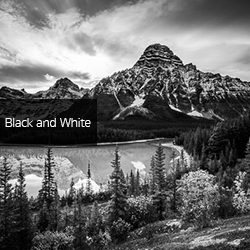
Black & White (2014)
ZIPMembers
Landscapes (2014)
ZIPMembers
Portraits (2014)
ZIPMembers
Makeup brushes for Lightroom
Brushes, not presets. Watch the course video for installation.
ZIPMembers


- Landscapes (2016)ZIPMembers
- 2018 presets, current Lightroom (Process Version 4+)For current Lightroom Classic / Creative Cloud.ZIPMembers
- 2018 presets, older Lightroom versionsFor standalone or older Lightroom versions.ZIPMembers
- Jim's portrait presetsFrom Lightroom 101ZIPMembers
Contracts & business
13 filesEditable contracts and business templates. Review them with a local attorney before use; laws vary by state and country.
Photography contracts package (all contracts)
ZIPMembers
Real estate starter pack
ZIPMembers
Photography pricing guide
ZIPMembers
Complete business bundle
ZIPMembers


- Long-form general photography contractBaby, senior, engagement and family shoots.WordMembers
- Short-form general photography contractSimple shoots that don't need the long form.WordMembers
- Model releaseWordMembers
- Real estate photography contractWordMembers
- Photo licensing agreementFor commercial use of your photos by a company or individual.WordMembers
- Wedding photography contractWordMembers
- Second shooter contractOwnership, usage, pay and delivery terms for assistants.WordMembers
- Real estate starter pack (2017 edition)ZIPMembers
- Section 333 exemption template (historical)Historical: the FAA replaced Section 333 exemptions with Part 107 in 2016. Kept for reference only.ZIPMembers
RAW practice files
38 filesRAW files to edit along with the courses, and sky backgrounds you can use in any project.
- Lightroom 101 project RAW filesFrom Lightroom 101ZIPMembers
- Photoshop 101 RAW files, set 1 of 4From Photoshop 101ZIPMembers
- Photoshop 101 RAW files, set 2 of 4From Photoshop 101ZIPMembers
- Photoshop 101 RAW files, set 3 of 4From Photoshop 101ZIPMembers
- Photoshop 101 RAW files, set 4 of 4From Photoshop 101ZIPMembers
- Stylized portrait composite filesFrom Compositing Stylized PortraitsZIPMembers
- High-end retouching action pack + RAW fileFrom High-End Retouching WorkflowZIPMembers
- Product photography equipment list & lighting diagrams (PDF)From Product Photography 101PDFMembers
Sky and background RAW files
From Advanced Sky Replacement. Use them in any project, commercial or otherwise, without attribution. Files are 17–59 MB each.
- Sky 1CR2 RAW
- Sky 2CR2 RAW
- Sky 3CR2 RAW
- Sky 4RAF RAW
- Sky 5RAF RAW
- Sky 6NEF RAW
- Sky 7CR2 RAW
- Sky 8CR2 RAW
- Sky 9NEF RAW
- Sky 10NEF RAW
- Sky 11DNG RAW
- Sky 12NEF RAW
- Sky 13NEF RAW
- Sky 14NEF RAW
- Sky 15NEF RAW
- Sky 16NEF RAW
- Sky 17NEF RAW
- Sky 18DNG RAW
- Sky 19NEF RAW
- Sky 20NEF RAW
- 1 (DNG)DNG RAW
- 2 (DNG)DNG RAW
- 3 (DNG)DNG RAW
- 4 (DNG)DNG RAW
- 5 (DNG)DNG RAW
- 6 (DNG)DNG RAW
- 7 (DNG)DNG RAW
- 8 (DNG)DNG RAW
- 9 (DNG)DNG RAW
- 10 (DNG)DNG RAW
Guides
1 fileCompanion reading.
Improve Photography: how budding photographers can get pro results (eBook)
Jim's companion eBook for Photography Start.
PDFMembers

Installing Lightroom presets
- Download the preset ZIP and keep it zipped.
- Lightroom Classic and Lightroom (current versions): open the Develop module (Edit in Lightroom), click the + at the top of the Presets panel, choose Import Presets, and select the ZIP.
- Older Lightroom versions (before 7.3): unzip, then in Preferences › Presets click Show Lightroom Presets Folder, copy the
.lrtemplatefiles into Develop Presets, and restart Lightroom. - For the 2018 collection, pick the folder that matches your version: "current Lightroom" or "older versions".
- The makeup brushes install differently from presets; the Fast Retouching video walks through it.